Overview
We've added a feature to facilitate your work with CRUD/Tables, by having small helpers and base entities for easy implementation of REST API and Tables with all functionalities (Sorting/Filtering/Searching/Grouping/Pagination/Edit/Delete/Add).
Likewise, we remove all MaterialDataSource/Material dependencies to increase performance and remove all HTML mark-up issues. It will now provide a fully customizable and extendable solution for all your CRUD/Tables needs.
All core helpers for CRUD/Tables are placed in the src/app/_metronic/shared/crud-table folder. Here's a quick rundown on the basic entities:
-
src/app/_metronic/shared/crud-table/models/base.model.ts BaseModel - All your entities should implement this interface. +
-
src/app/_metronic/shared/crud-table/models/table.model.ts ITableState - All table services should have the variable with this type. This is where we store the current state of the pagination/sorting/grouping. Also in this file, we've prepared Action interfaces for your table view. +
-
src/app/_metronic/shared/crud-table/services/table.sevice.ts TableService<T> - All your services have to be extended from this class. All basic standard REST API requests/response methods are implemented in the TableService<T> class.
Please be familiar with Request/Response model in the class methods.
If you need something custom, you can override any method easily. +
Examples with eCommerce
In this section we will try to create an eCommerce customers table with requests on the server, getting responses and common view table features (e.g. Sorting/Filtering/Searching/Grouping/Pagination/Edit/Delete/Add).
-
First, we need to import
CRUDTableModule /src/app/modules/e-commerce/e-commerce.module.ts: +
-
Second, let's create Customer model
/src/app/modules/e-commerce/_modules/customer.model.ts (Don't forget, your module should extend BaseModel): +
-
Then we need implement
customers.service /src/app/modules/e-commerce/_services/customers.service.ts which should extend base TableService.
(Pay attention to constructor, there we need to @Inject Angular HTTPClient. Without it, the parent class can't inject an instance of HTTPClient).
(Don't forget change your API_URL). +
All basic REST API methods are implemented in the base TableService, but if you need to customize something, just override the method or write your own with a different name.
-
Next, prepare the
customers.component /src/app/modules/e-commerce/customers.component.ts: +
Also, setup your HTML in /src/app/modules/e-commerce/customers.component.html: +
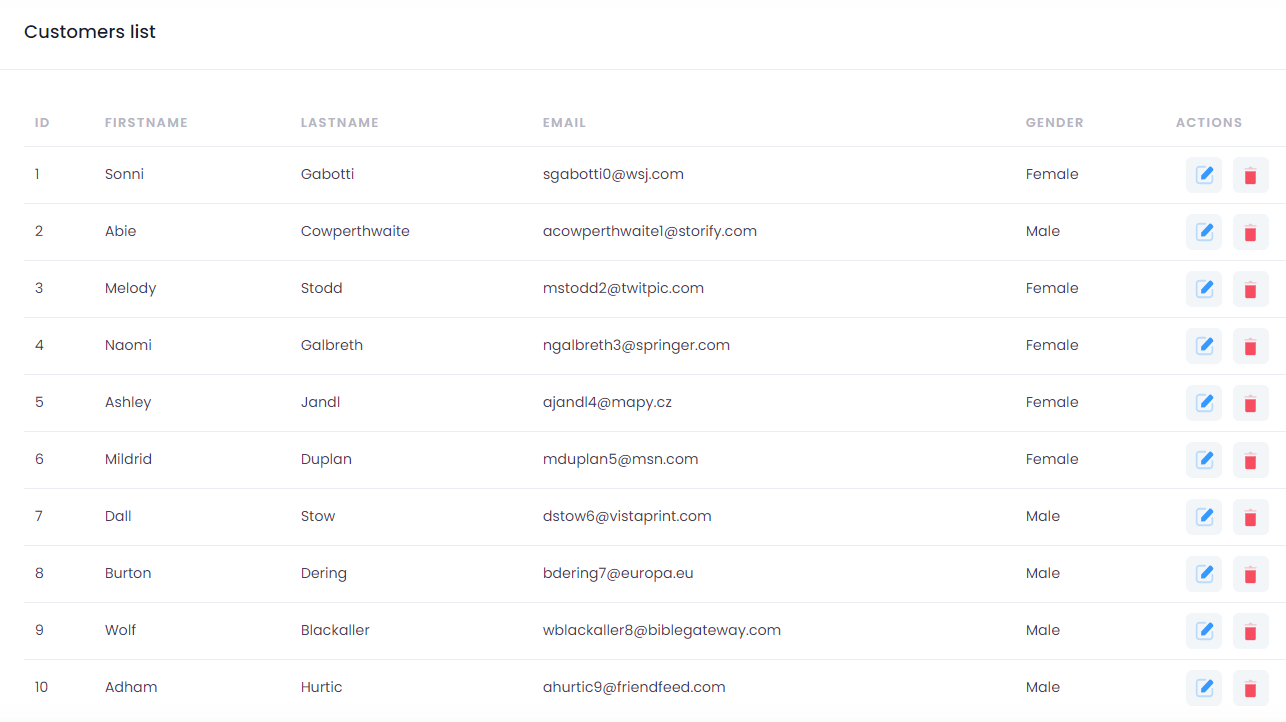
The result should look like this: +
-
To add Sorting to the table, we need to implement the
ISortView interface: +
-
/src/app/modules/e-commerce/customers.component.ts:
+
-
/src/app/modules/e-commerce/customers.component.html:
+
-
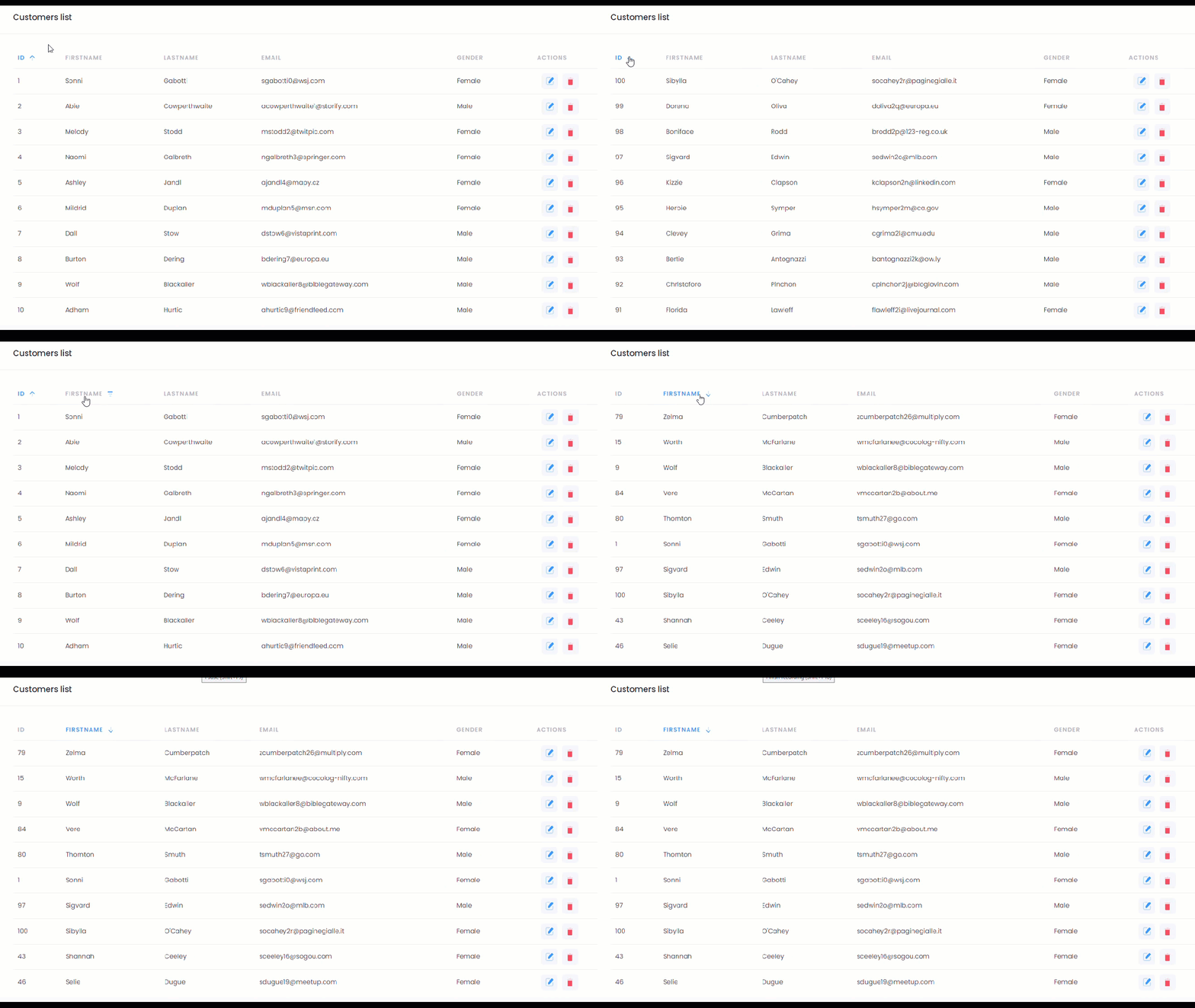
The result should look like this:
+
-
To add Pagination to the table, we need to implement the
IPaginatorView interface: +
-
/src/app/modules/e-commerce/customers.component.ts:
+
-
/src/app/modules/e-commerce/customers.component.html:
+
-
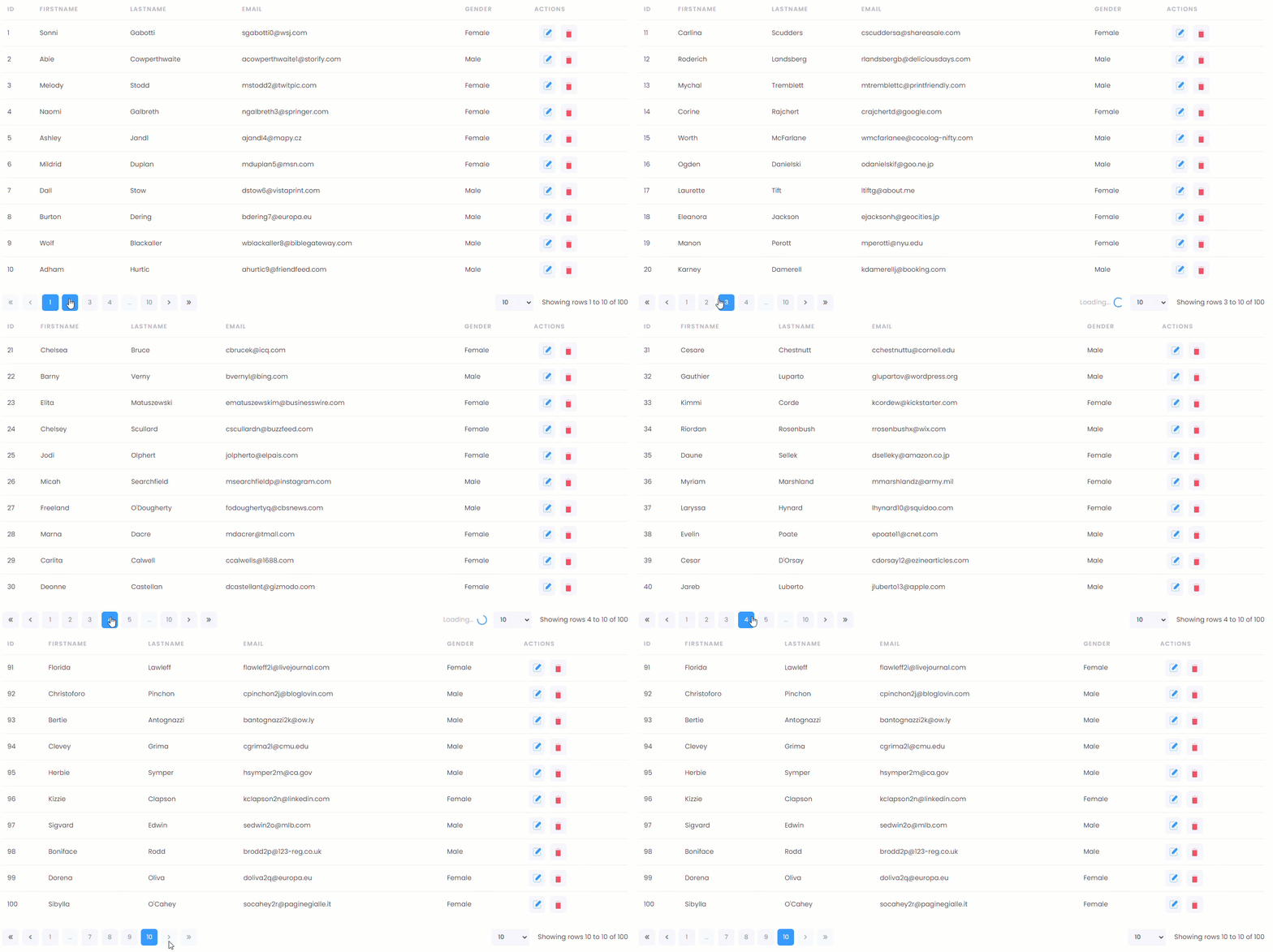
The result should look like this:
+
-
To add Grouping to the table, we need to implement the
IGroupingView interface: +
-
/src/app/modules/e-commerce/customers.component.ts:
+
-
/src/app/modules/e-commerce/customers.component.html:
+
-
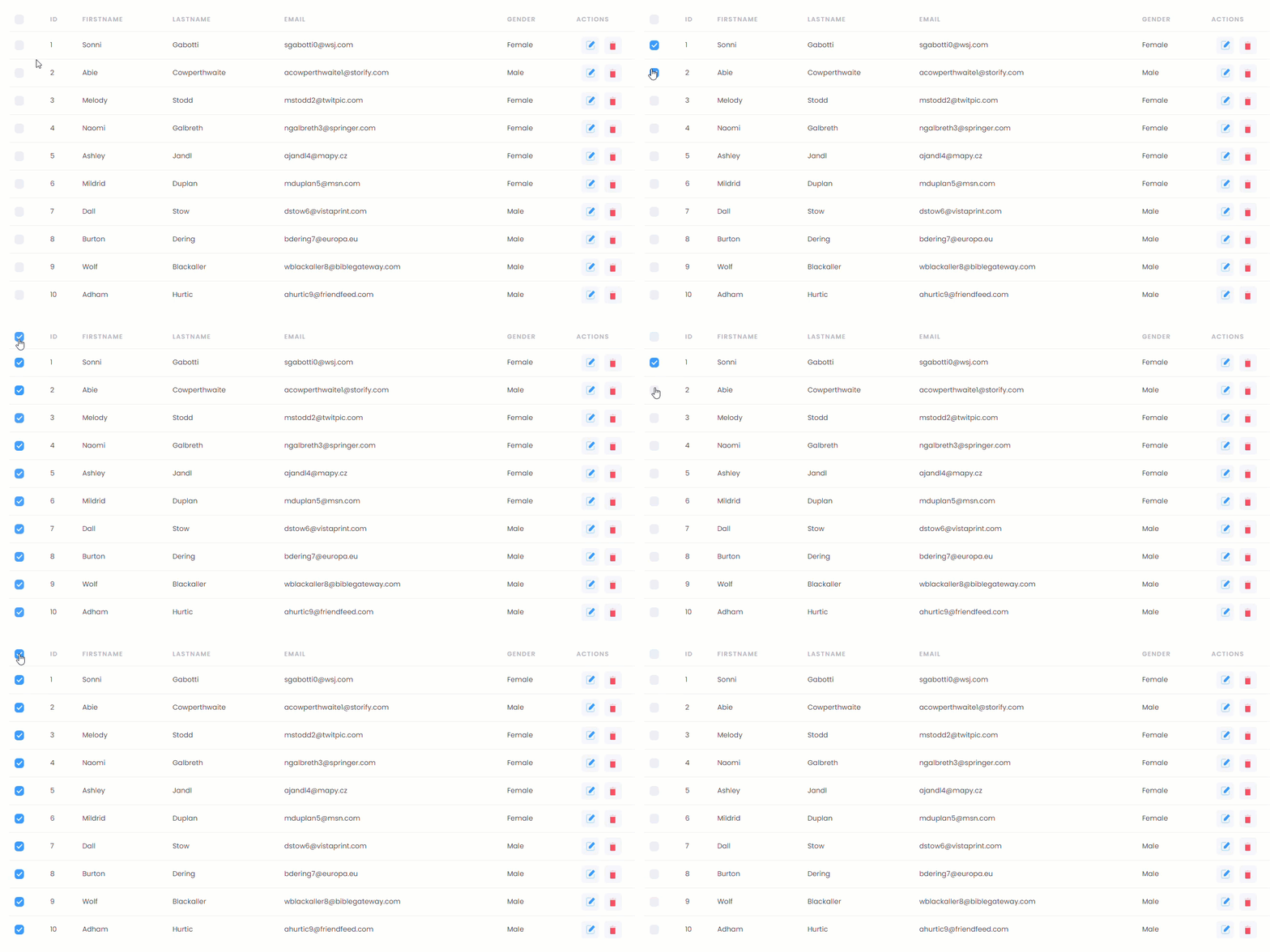
The result should look like this:
+
-
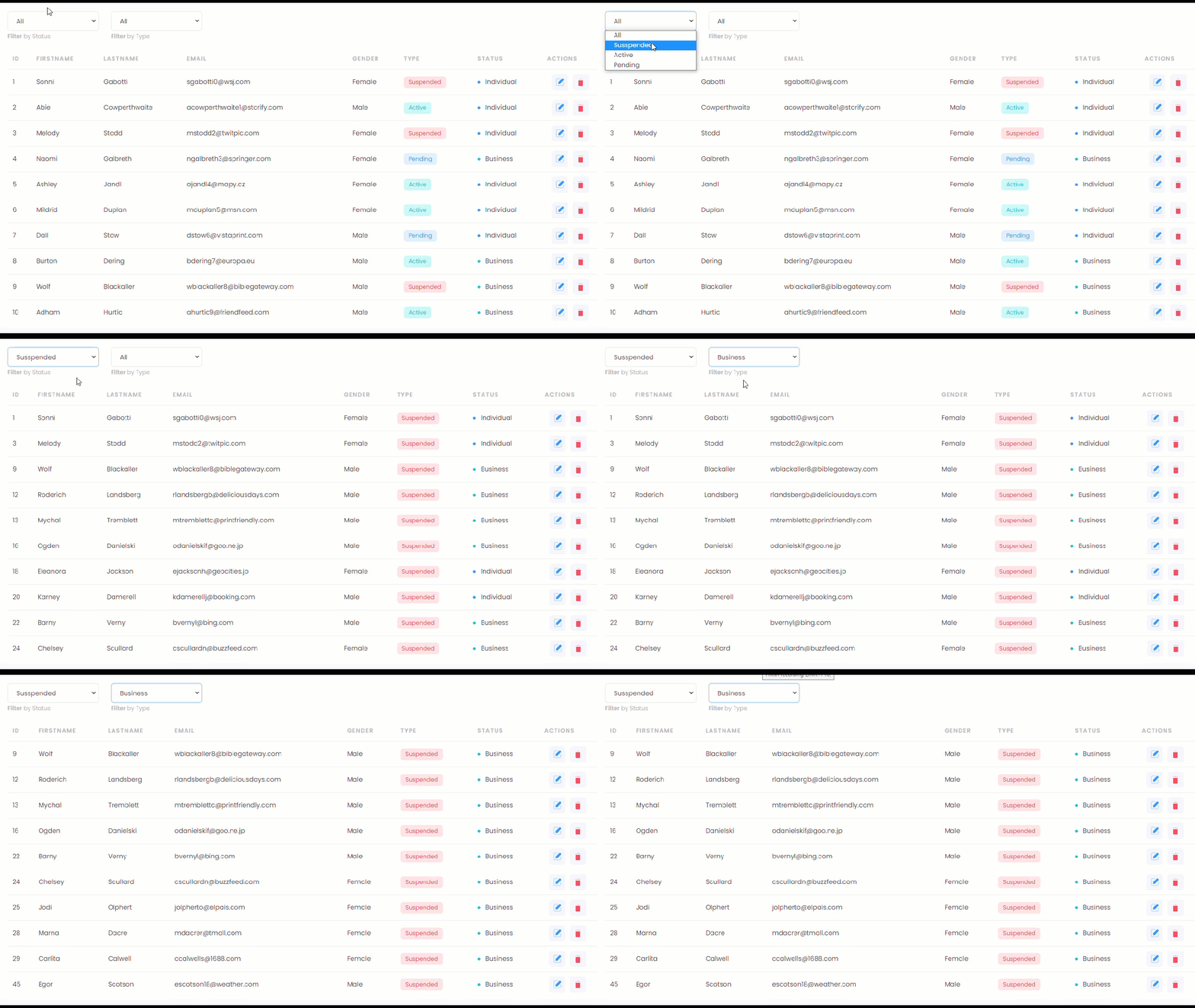
To add Filtering to the table, we need to implement the
IFilterView interface: +
-
/src/app/modules/e-commerce/customers.component.ts:
+
-
/src/app/modules/e-commerce/customers.component.html:
+
-
The result should look like this:
+
-
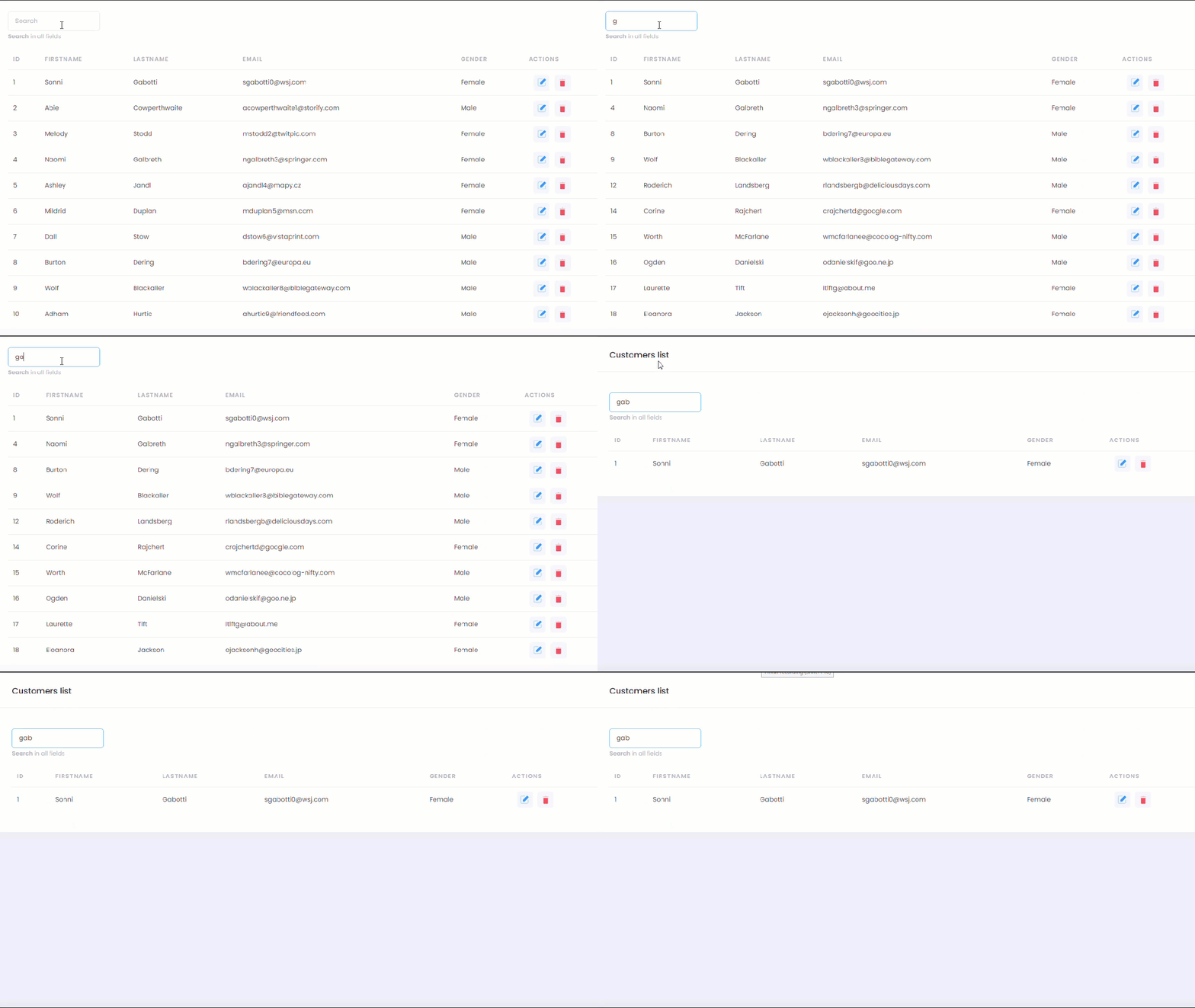
To add Search to the table, we need to implement the
ISearchView interface: +
-
/src/app/modules/e-commerce/customers.component.ts:
+
-
/src/app/modules/e-commerce/customers.component.html:
+
-
The result should look like this:
+
-
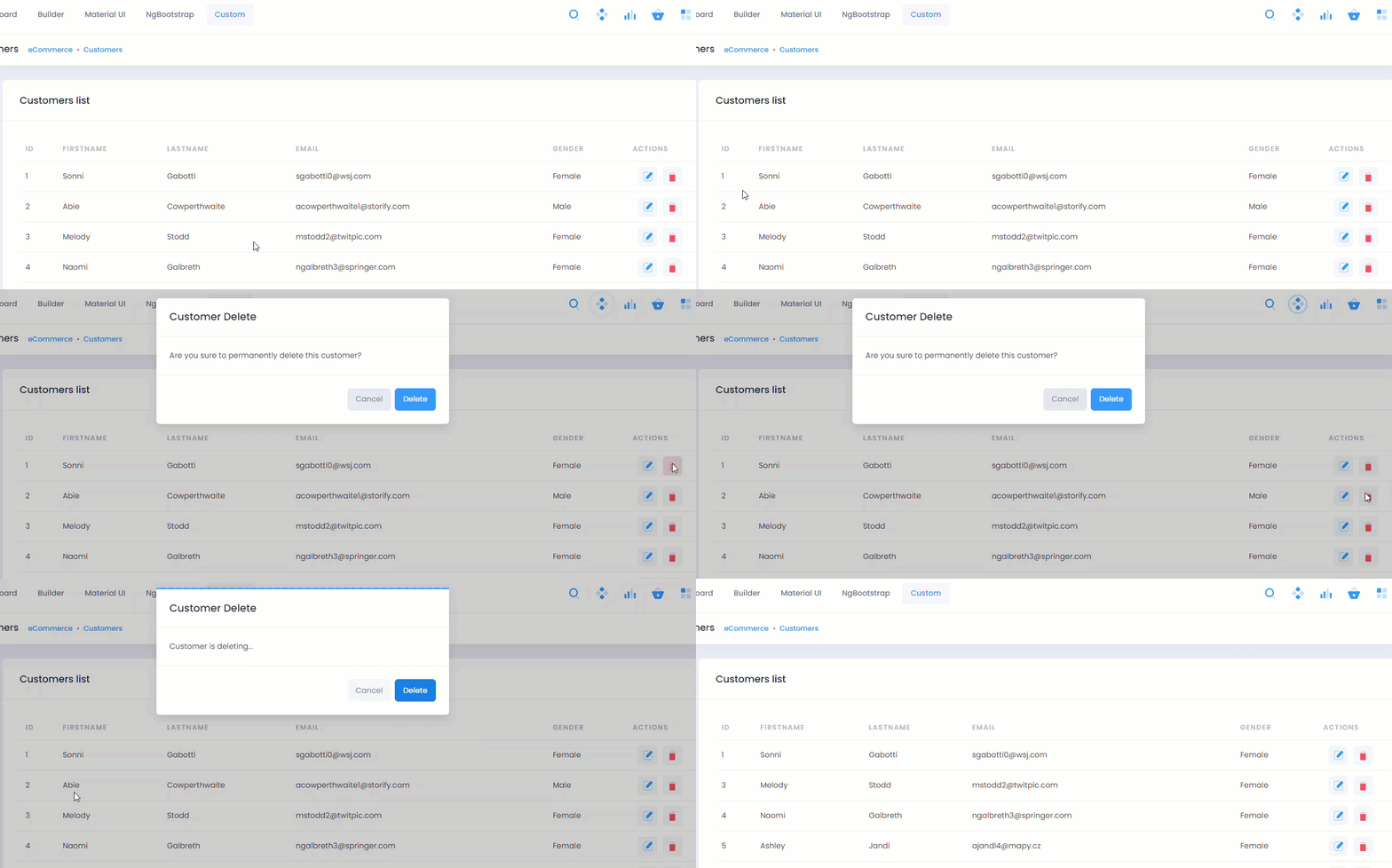
To add a Delete function to the table, we need to implement the
IDeleteAction interface and create DeleteCustomerModalComponent component: +
-
/src/app/modules/e-commerce/customers/components/delete-customer-modal/delete-customer-modal.component.ts:
+
-
/src/app/modules/e-commerce/customers.component.html:
+
-
/src/app/modules/e-commerce/e-commerce.module.ts:
+
-
/src/app/modules/e-commerce/customers.component.ts:
+
-
/src/app/modules/e-commerce/customers.component.html:
+
-
The result should look like this:
+
-
Similarly with the Delete function, we able to implement Add item and Edit item functions to our tables.